A new project - identifying birdsong at home

As a fairly keen birder, I use the Merlin mobile app when out and about to identify bird calls. I decided to try to set up a similar capability on my home network.
Becoming a birder sneaks up on you. You start by enjoying a bit of birdsong, then (in my case) graduate to taking photographs of them, and then start tracking them down to add to a “life list” of identified species. Having moved along that path, I’ve started looking - even more - peculiar on countryside walks, wandering around with my phone held above my head collecting bird calls on the excellent, free Merlin app.
My project for this Easter weekend has been to set up a similar monitoring system at home, using open source software and the contents of my 'spares' cupboard.
After a bit of tinkering, and not a little frustrated profanity, it seems to be working, but the project went through a few iterations, and increased in both complexity and cost.
My original plan was to install an open source projected called BirdNet-Pi on a spare Raspberry Pi Zero 2W, a tiny computer with a modest quad-core processor and still relatively cheap despite the huge technology price increases that the AI data centres are causing at the moment. By hooking up a cheap USB microphone from the spares pool, I’d have a cheap and easy setup, with the microphone dangling out of the bedroom window; to be weatherproofed at some point.
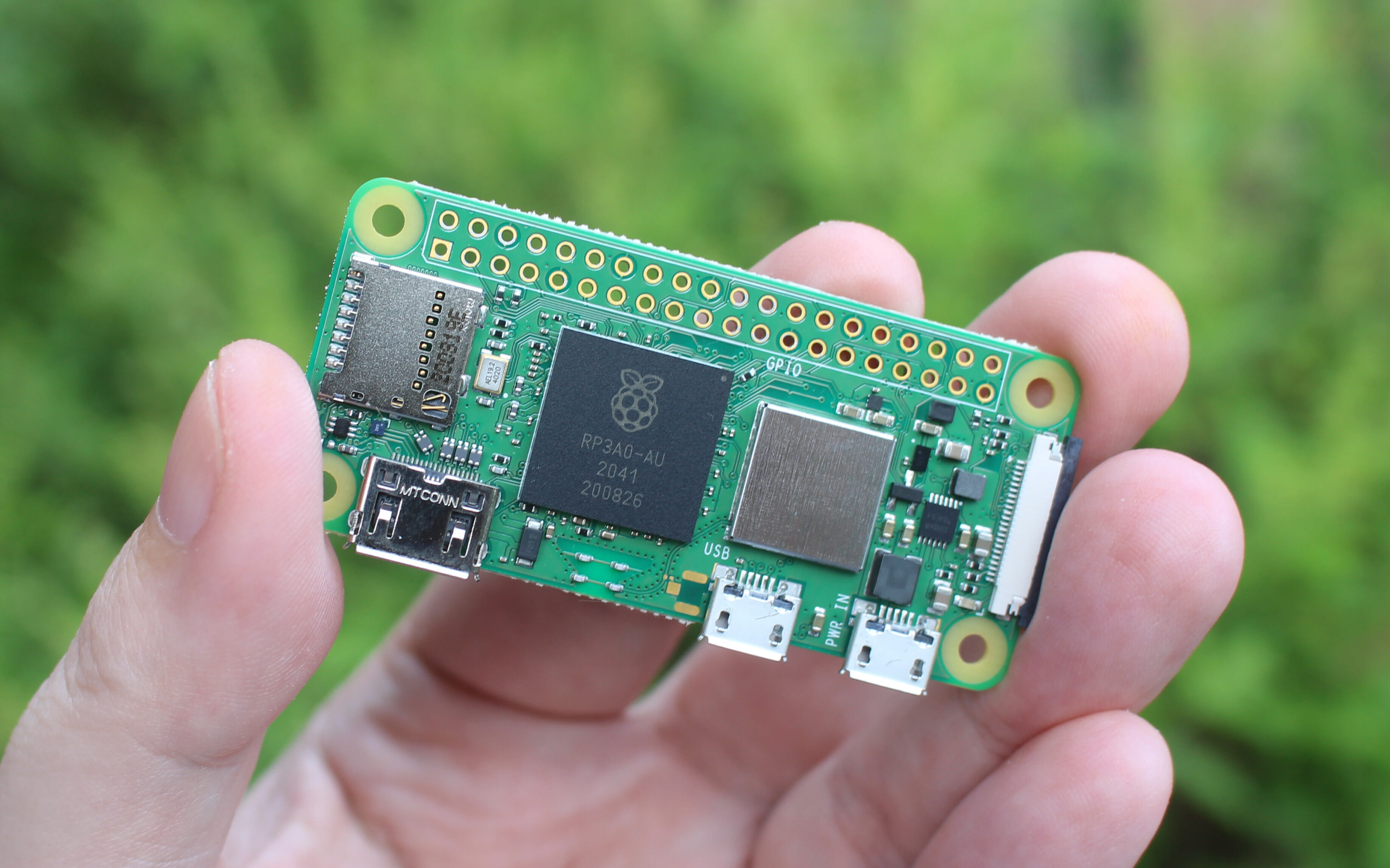
If only it was that easy! Despite several websites offering instructions on how to get BirdNet-Pi running on the little Pi Zero, it really didn’t seem up to the job. After a couple of hours of software installation and configuration, the Pi was running flat out, unable even to let me log in to see what has happening. Time for Plan B.
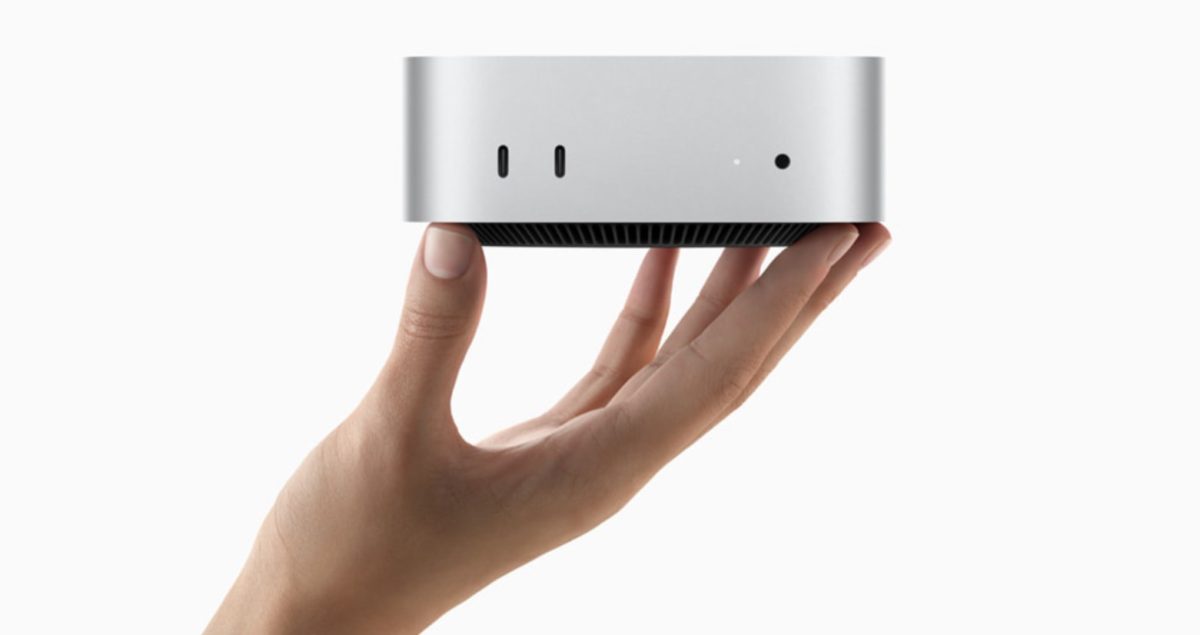
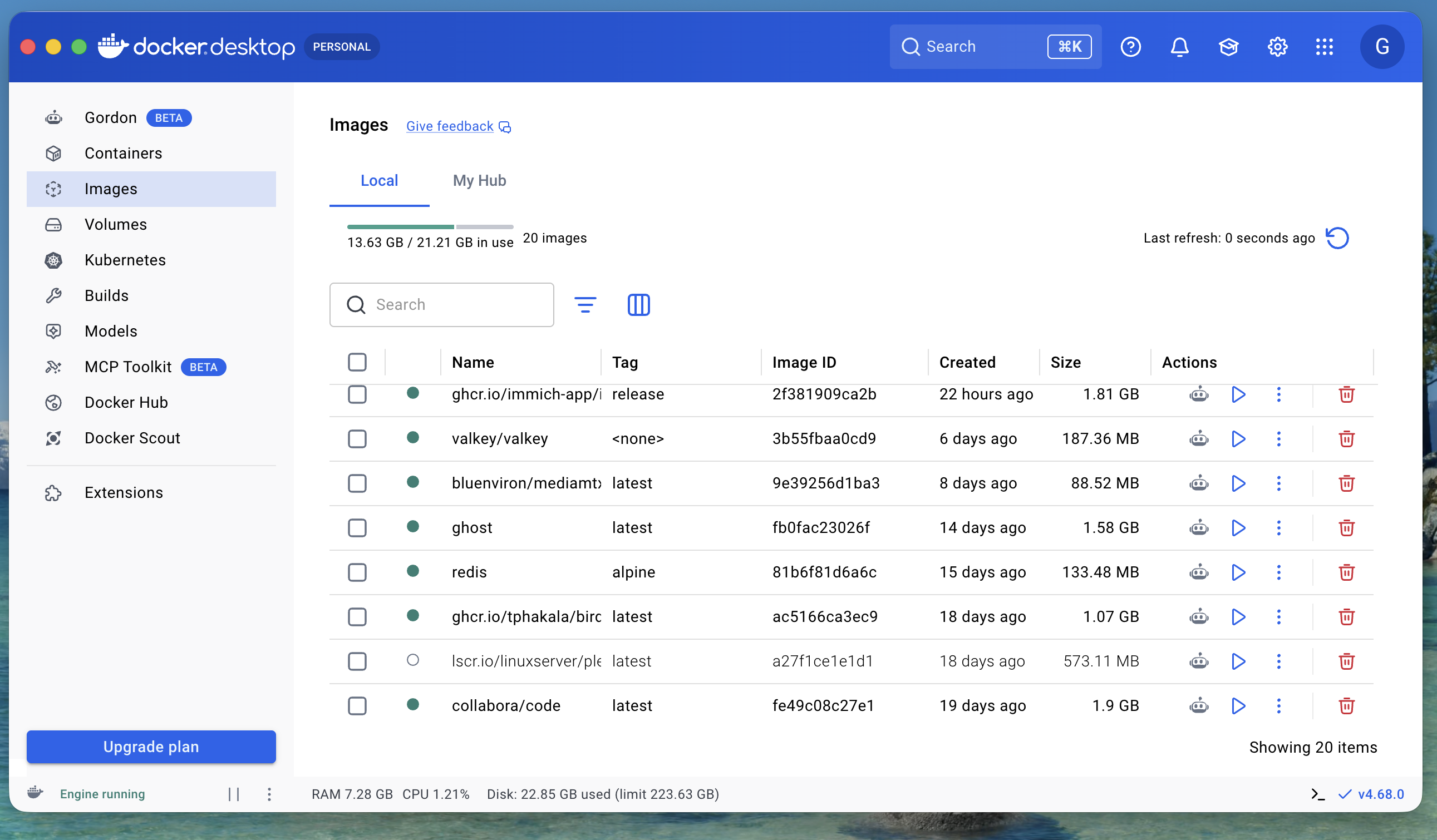
I’ve got a few different web services running on a base level Mac Mini with an M4 processor. That’s been a fun project, and has taught me quite a lot about setting up Docker ‘containers’ to isolate different services, and using a web proxy to accept requests from home and Internet browsers (relatively) securely and route them to the correct container. So, I could set up a new Docker container for BirdNet-Pi, plug in the microphone, and all should be well, with the advantage of lots more computer horsepower to to the AI bird call detection.
The first course correction was to use a different detector, called BirdNET-Go, on the Mac, as it is well maintained and makes more effective use of the Mac’s processing capabilities. It lives happily in a Docker container, and - with a bit of help from ChatGPT and Claude AI - I got it installed and running, but it was deaf. The Mac’s operating System, MacOS 26, has a robust security architecture, and that’s a good thing, except that it doesn’t let Linux Virtual machines (which is what Docker is) have access to the microphone. Damn. Undeterred, I moved to Plan 2b… keep the microphone plugged into the little Pi Zero, and have it stream the audio samples to BirdNET-Go in its container over WiFI.
The good news is that there is a standard way to do that, called RSTP (the Real Time Streaming Protocol), and an open source toolkit called ffmpeg on the Pi can generate it, and BirdNET-Go can receive it. Almost. ffmpeg wants to push RTSP data to receiver, and BirdNET-Go wants to pull it from a source, so they fail to communicate. Fixing that requires another bit of software to sit in the middle; grab the pushed data from the Pi, and buffer it so that BirdNET-Go can pull it in. It actually works, but with all the different components, it’s fragile, and falls over in a heap if anything gets out of sync, so it needs code to spot if anything goes wrong and restart anything that crashes.
With all that done, I had it running for a couple of days, working fairly well. The problems (apart from things crashing and automatically restarting) were that while it was great at detecting many birds, it was missing things like Robins, that were obvious to my ear, and generating false detections, like Great Bitterns and Curlews apparently flying past in the night. The AI detection is bound to be imperfect, but my dirt cheap little microphone was now clearly the weak link. Time to invest in a better one, because this project is fun.
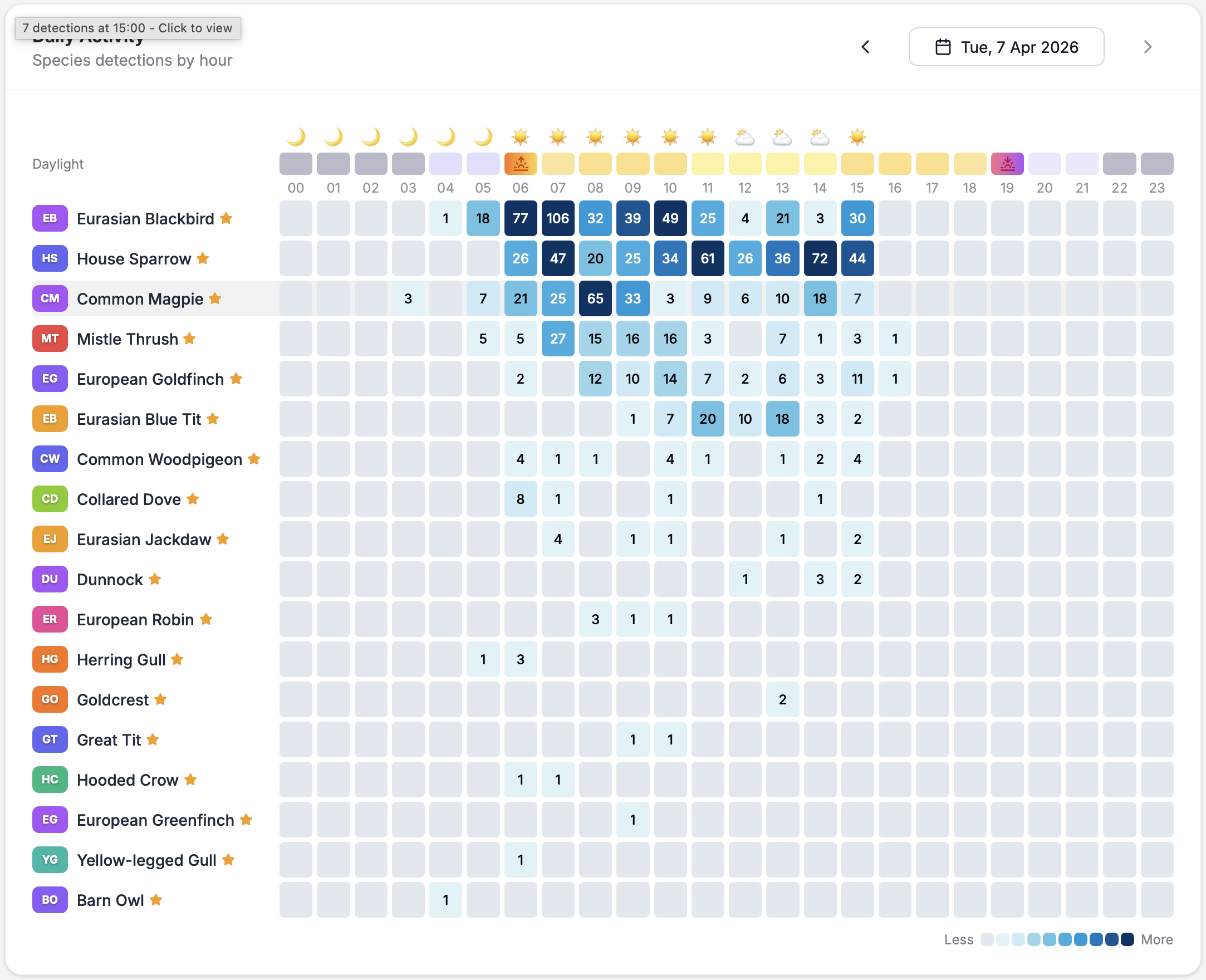
Unfortunately, better microphones need more power, and the little Pi Zero is very limited in how much power it can send down its USB ports. My options were to replace the Pi Zero with a bigger and more expensive Raspberry Pi model, which would be overkill; find another wall socket for a powered USB hub, or ditch the Pi front end entirely, and try to persuade the Mac Mini to run ffmpeg itself, streaming the data internally to the Docker container.
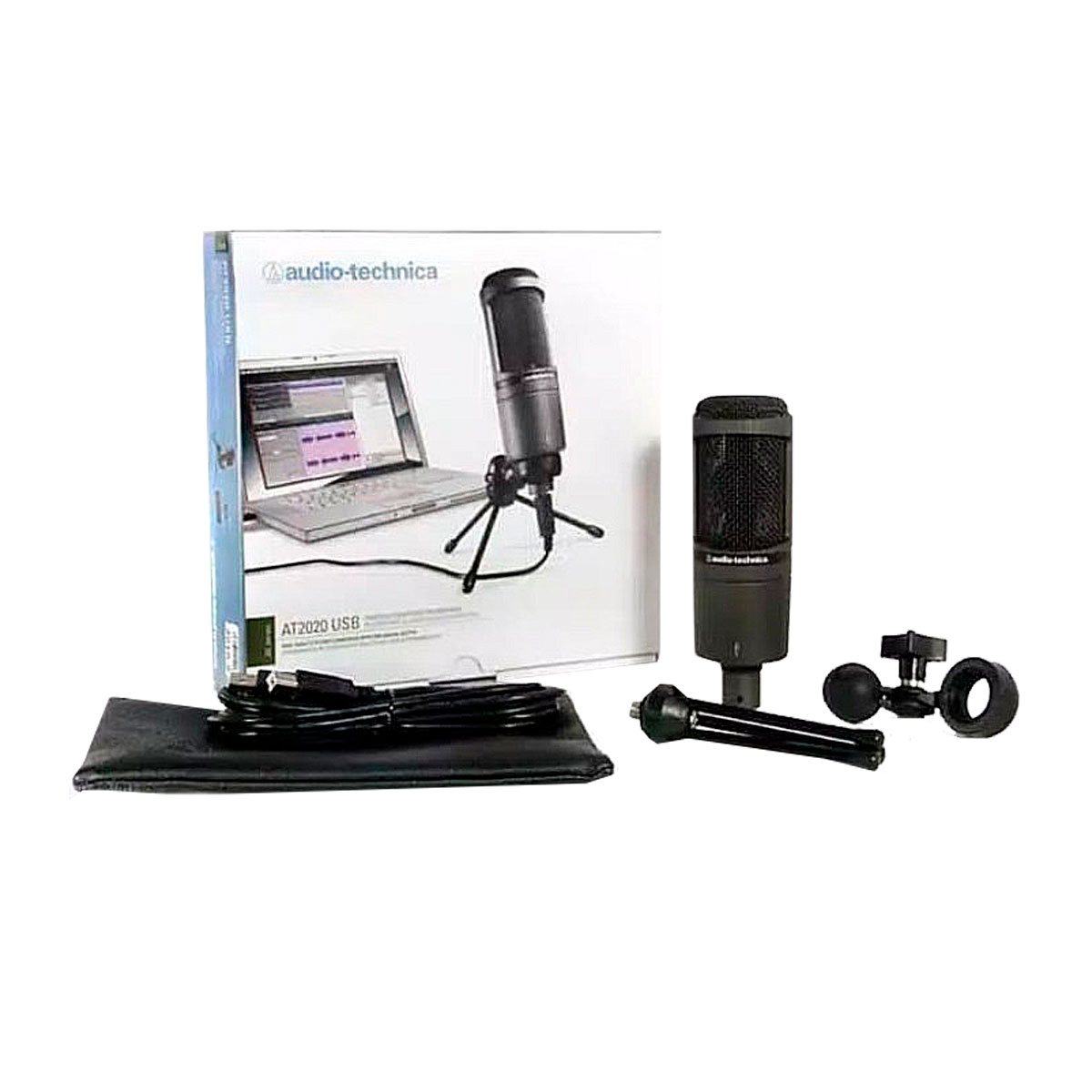
At long last, that’s working, stable, and seems to be giving better detection results. The collection of spare parts that I was going to use to build the system have now all been replaced, and are back in the cupboard, and the next phase of the project is to figure out a weatherproof way to mount the microphone outside so it can hear the birds a bit better!